Three Next.js LCP Fixes Worth Doing First
by Abdelkader Settah
May 10, 2026
Three Next.js LCP Fixes Worth Doing First
LCP (Largest Contentful Paint) is one of the easier Core Web Vitals to fix and one of the easier ones to misdiagnose. Before reaching for code splits, edge runtimes, or service workers, three changes usually move the number further than anything else.
This post walks through them in the order I’d apply them on a real Next.js app.
Fix 1: Set priority on the LCP image
The most common LCP element on a content site is the hero image. Without priority, next/image defers the request and waits behind other resources.
import Image from 'next/image';

export function Hero({ src, alt }: { src: string; alt: string }) {
  return (
    <Image
      src={src}
      alt={alt}
      width={1280}
      height={720}
      priority
      sizes="(max-width: 768px) 100vw, 1280px"
    />
  );
}
priority adds fetchpriority="high" and disables lazy loading. For the hero image, that’s exactly what you want.
A trap: don’t set priority on every image. It defeats the purpose. Set it on one element per route, the one above the fold.
Fix 2: Preload the LCP font
If your LCP element is text, the font is often the bottleneck. Browsers don’t request a webfont until they encounter a CSS rule that uses it, which can be late in the loading pipeline.
In Next.js, next/font handles this if you use it correctly:
// app/layout.tsx
import { Inter } from 'next/font/google';

const inter = Inter({
  subsets: ['latin'],
  display: 'swap',
  preload: true,
});

export default function RootLayout({ children }: { children: React.ReactNode }) {
  return (
    <html lang="en" className={inter.className}>
      <body>{children}</body>
    </html>
  );
}
display: 'swap' avoids invisible text while the font loads. preload: true is the default but worth being explicit when LCP is on the critical path.
If you’re on a self-hosted font, add a <link rel="preload"> for the woff2 file in the <head>. Same idea, just manual.
Fix 3: Cache the HTML
If the LCP element is rendered on the server (the common case for Next.js), TTFB becomes part of LCP. A slow server response means a slow LCP no matter how well-optimized the assets are.
Two cheap wins. The first is ISR on the page itself:
// app/page.tsx
export const revalidate = 60; // regenerate every 60 seconds

export default async function Page() {
  const data = await fetchData();
  return <Hero src={data.heroSrc} alt={data.heroAlt} />;
}
For a marketing page, that turns a 600ms-rendered response into a 30ms-cached one. Same content, different TTFB.
If your data changes more often than the page, memoize the slow fetch instead of the whole page:
import { unstable_cache } from 'next/cache';

const getHero = unstable_cache(async () => fetchHeroData(), ['hero'], {
  revalidate: 60,
});
What I’d skip on the first pass
- Edge runtime. Helps TTFB but adds runtime constraints. Worth it later, not first.
- Replacing
next/imagewith raw<img>. Rarely faster once you’ve configuredprioritycorrectly. - Switching font providers. Usually a marginal win compared to setting
display: 'swap'and preload.
Conclusion
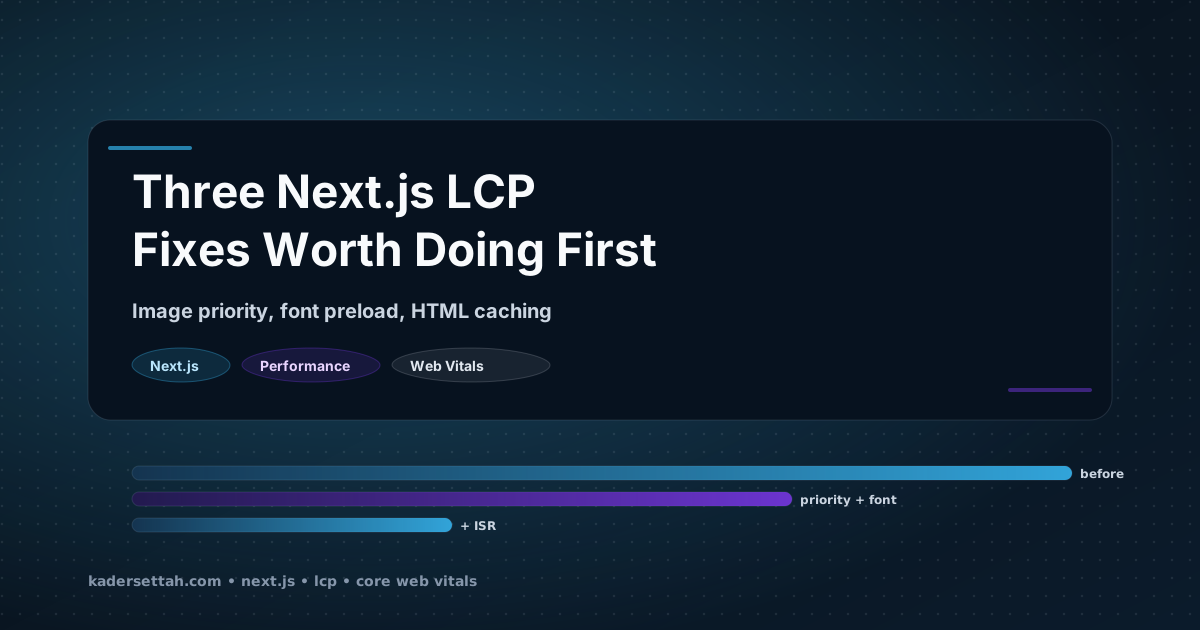
Most Next.js LCP problems come down to three things: the LCP image isn’t prioritized, the LCP font isn’t preloaded, and the page isn’t cached. Fix those before reaching for the heavier optimizations.
Summary
Set priority on the LCP image (and only that one). Use next/font with display: 'swap' and explicit preload. Cache the HTML with revalidate or unstable_cache to keep TTFB out of your LCP. The remaining work, edge runtime, custom workers, raw <img>, is usually not worth doing first.
If your team is stuck on a Core Web Vitals regression and the fix list above doesn’t cover it, I run a productized audit. Ten business days, written report, patches for the top findings.